 Jun 24, 2026
Table of Contents
Few things kill development velocity faster than a bug report that reads: “The checkout page looks weird, please fix.” For engineering teams, this kicks off a frustrating game of detective work—guessing the screen size, tracking down browser versions, and trying to reproduce an error without a single line of console data. When we coordinate complex web builds, handling feedback through disjointed emails, Slack threads, and static screenshots creates massive operational overhead. Finding the best visual feedback software for web development teams is the fastest way to turn chaotic client reviews into precise, actionable tickets that developers can resolve in minutes.
Key Takeaways
- Telemetry matters: The best feedback tools capture deep environment logs (JavaScript errors, network requests) automatically without requiring technical input from the end-user.
- Integration is non-negotiable: Choose a tool that supports native two-way synchronization with your existing issue trackers like Jira, Linear, or GitHub to avoid manual ticket triaging.
- Friction dictates adoption: If external clients or internal business stakeholders are forced to download extensions or create new accounts, tool adoption drops, and they will revert to sending emails.
- Workflow alignment: Match your selection to your team’s development lifecycle; some tools excel at pixel-perfect user interface design matching, while others are engineered for complex web application logic.
5+ Best Visual Feedback Software for Web Development Teams
Choosing the right visual feedback software depends on balancing non-technical client simplicity with the deep technical metadata your development team requires to resolve front-end and code-level bugs efficiently.
BugHerd
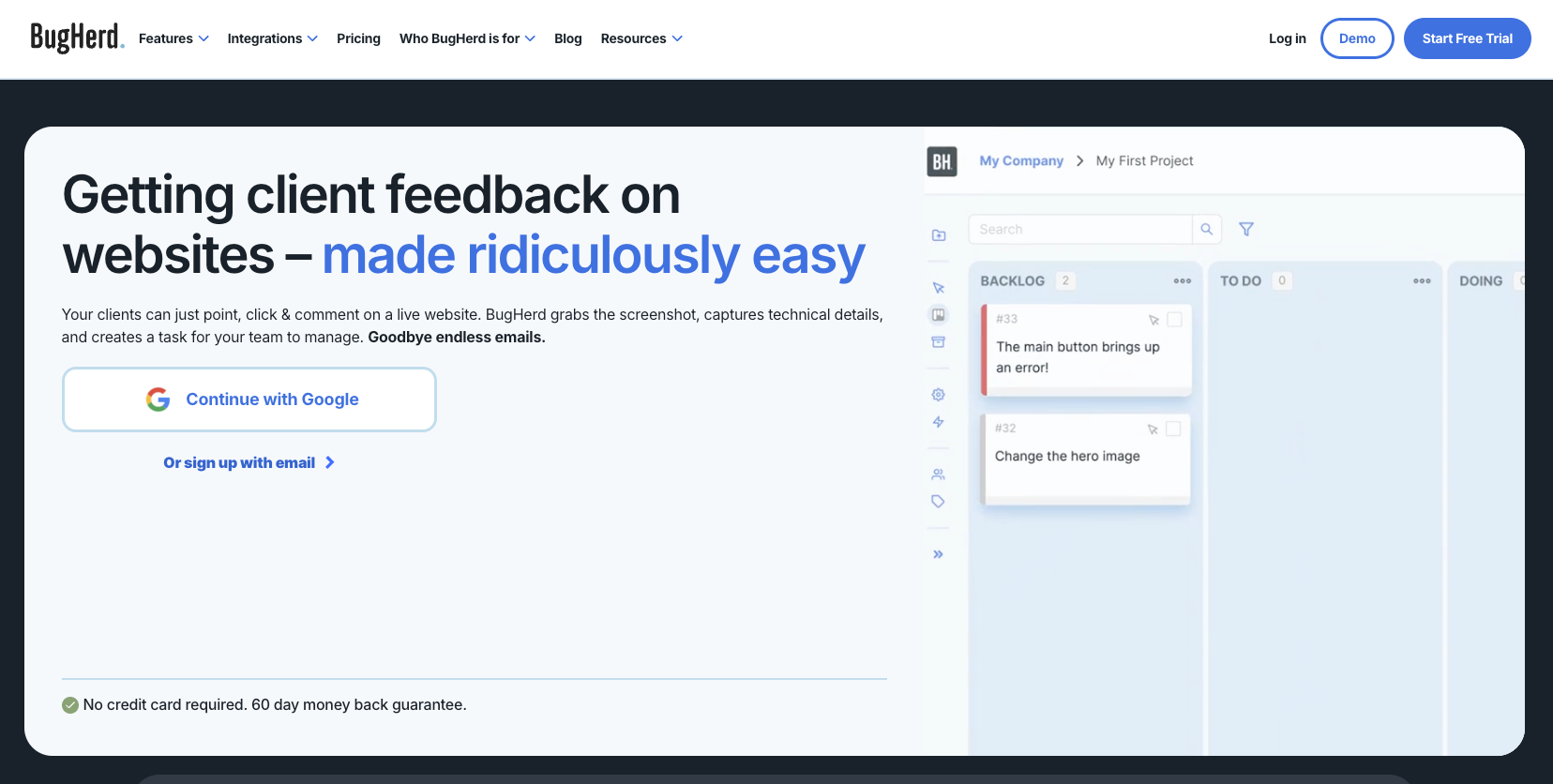
BugHerd functions as a digital overlay on live websites, transforming client annotations into clear tasks on a native Kanban board. It works like virtual sticky notes pinned directly to specific design elements on the page. When an external stakeholder clicks on a broken button or misaligned image, BugHerd locks onto that exact CSS selector within the Document Object Model (DOM) and auto-generates a task card containing the client’s comments and environment basics.
Pros:
- Highly accessible for non-technical clients who only need to point, click, and type on screen.
- A native, built-in task management board means smaller teams do not need to purchase separate project management tools.
- Pinpoints the precise location of visual bugs by linking issues to target CSS elements.
Cons:
- Entry-level tiers lack deeper code analytics, such as comprehensive JavaScript network payloads.
- The internal task dashboard can feel separate and redundant if your engineering team is firmly committed to enterprise issue systems.
Use Case: Our team’s deployment metrics show that BugHerd functions best during the User Acceptance Testing (UAT) phase of customer-facing websites, public portals, and e-commerce setups. It keeps initial design changes highly organized without confusing business clients with raw engineering metrics.
Marker.io
Marker.io targets deep engineering needs by capturing JavaScript errors, network payloads, and session logs, syncing them directly into your existing issue trackers. Instead of forcing your project manager to manually replicate tickets across platforms, Marker.io relies on a stable, two-way synchronization engine. When an issue is marked as resolved inside your primary development backlog, the status updates automatically on the client’s view.
Pros:
- Extracts system metadata, browser console logs, and network request histories automatically.
- Offers excellent two-way integration architectures with Jira, Linear, GitHub, and GitLab.
- Features an integrated session replay player that records the exact user clicks leading up to a crash.
Cons:
- Requires explicit widget access setup to ensure client feedback does not accidentally clutter private engineering columns.
- Full developer telemetry suites and session capture tools require advanced subscription packages.
Use Case: When providing customized web app development services, our engineering teams naturally integrate dedicated QA experts alongside long-term website security and maintenance routines. We rely on setups like Marker.io to instantly capture deep state mismatches between front-end frameworks and backend APIs, ensuring complex enterprise applications remain secure, optimized, and easily serviceable.
Userback
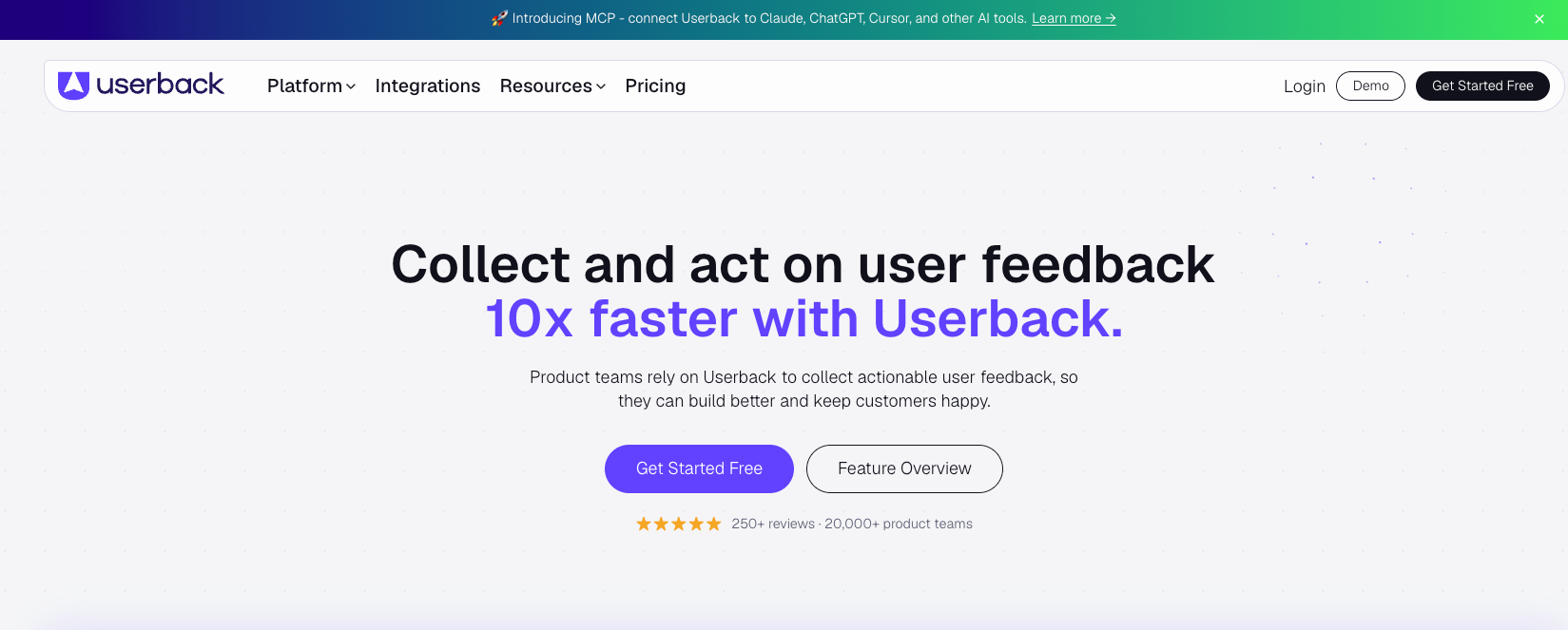
Userback provides an all-in-one feedback workspace that integrates visual bug reporting with video annotations, customer surveys, and AI-driven prioritization. It is built to support long-term digital products rather than short agency design cycles. Beyond basic screenshots, users can record their screens with live voice annotations, allowing them to explain complex functional errors across multi-step user journeys.
Pros:
- Supports native browser video recording and microphone input for dynamic bug walk-throughs.
- Uses automated classification rules to sort incoming user bugs based on page URL or element type.
- Highly customizable widget styling options to match your product’s design language.
Cons:
- The expansive interface options can present a slight learning curve for occasional external testers.
- Slightly higher script execution footprint compared to minimalist, single-purpose feedback widgets.
Use Case: Userback is highly practical for ongoing Software-as-a-Service (SaaS) web applications, early public beta releases, and agile product lifecycles where development teams need continuous user feedback to optimize features.
Feedbucket
Feedbucket removes client-side onboarding barriers completely by rendering directly inside the browser via a single script tag with no logins or extension setups required. It addresses a common problem: clients resisting tools that force them to install browser extensions or register for secondary accounts. By running entirely through an embedded JavaScript snippet, any user who can view your staging site can submit feedback instantly.
Pros:
- Completely extension-free and account-free experience for external clients and business teams.
- Direct synchronization with major task frameworks like Asana, Trello, ClickUp, and Monday.com.
- Preserve full website interactivity during annotation mode, minimizing DOM layout interference.
Cons:
- Does not feature a comprehensive native workspace; you must rely heavily on external project software integrations to track issues.
- Captures lighter technical telemetry logs compared to developer-centric monitoring tools.
Use Case: This platform fits rapid development cycles where web teams work alongside traditional corporate partners who require a simple, frictionless path to point out text updates, layout changes, and visual bugs.
Pastel
Pastel accelerates early UI layouts and copywriting alignment by proxy-rendering target web pages into a collaborative canvas with zero-code configuration. Unlike script-based widgets, you do not need to inject code snippets into your application servers. You simply paste your staging or development URL into Pastel, and it builds a secure proxy link where clients, UI designers, and content writers can leave comments in real time.
Pros:
- Instant deployment requires zero codebase alterations or staging script dependencies.
- Features live text edit overrides, enabling marketing teams to test copy alternatives directly on the layout before coding.
- Groups multi-page architectures into a single canvas link for cohesive product reviews.
Cons:
- Can struggle to accurately proxy highly complex web apps that run behind strict token authentication gates.
- Minimal automated metadata capture for tracking deep database or server exceptions.
Use Case: Pastel works best during design validation loops, marketing site reviews, and initial front-end sign-offs before the application’s core logical systems are connected.
Which Visual Feedback Tool Fits Your Website Development Workflow?
Selecting the best visual feedback software for web development teams depends on whether your workflow prioritizes deep Quality Assurance (QA) console logging for engineers, zero-install widgets for non-technical clients, or cross-platform session replays for product managers.
Feature Matrix for Web Development Tooling
A side-by-side technical evaluation reveals that tools like Marker.io prioritize deep engineering telemetry, while Feedbucket and Pastel focus heavily on lowering friction for external stakeholders.
| Tool | Best For | Technical Payload | Key Integration | Starting Price |
| BugHerd | General client website feedback & simple board management | Basic metadata, browser version, screen dimensions | Jira, Trello, Asana, Slack | $50/mo |
| Marker.io | QA-heavy dev teams & technical bug reporting | Full console logs, network requests, environment data | Jira, GitHub, GitLab, ClickUp | $39/mo |
| Userback | Complex SaaS platforms & user experience tracking | Session replays, console logs, user event tracking | Jira, Linear, Slack, Notion | $79/mo |
| Feedbucket | Web design agencies & non-technical clients | Screenshots, basic environment details, video recording | WordPress, Trello, Asana, Slack | $39/mo |
| Pastel | Quick marketing asset & static web page proofing | Basic annotations, canvas screenshot | Slack, Basecamp, Monday.com | $35/mo |
What Are the Hidden Risks of Deploying Visual Feedback Software for Website Development?
Implementing third-party feedback widgets introduces risks ranging from client security vulnerabilities to bloated issue tracking backlogs if not managed with proper filtering and access controls.
- Exposing Sensitive Data and Violations of Production Security
Injecting unvetted JavaScript scripts into your web environment can create data leaks if the widget captures authenticated client sessions, Personally Identifiable Information (PII), or internal administrative panels. For teams operating in highly regulated fields, establishing robust internal website security parameters is essential before deploying any script that records user screens or aggregates session replays.
- Ticket Floods and Duplicate Backlog Chaos
Without strict ticket filtering and automated triage rules, allowing every stakeholder to submit raw issues directly can completely derail your engineering sprint velocity. When scaling a remote project using an outsource web development guide, setting precise triage gates ensures that your external development partner only receives verified, actionable bug reports rather than unstructured noise.
How Do You Safely Integrate a Visual Feedback Tool into Your Delivery Stack?
Successfully integrating visual feedback software requires a structured approach that moves from script sandboxing and environment conditional filtering to deep webhook configuration.
- Sandbox the Widget by Environment:
Requires pipeline admin access.
Restricting the feedback script to staging or User Acceptance Testing (UAT) environments prevents end-users from interacting with internal tools on live systems. Configure your build pipeline to conditionally inject the JavaScript widget only when the active environment matches your testing servers, keeping your production environment completely clean.
- Configure PII Data Masking:
Timing: Under 10 minutes.
Setting up element selectors to scrub sensitive data ensures compliance with global privacy mandates like the General Data Protection Regulation (GDPR). Use the feedback vendor’s configuration object or native CSS helper classes to explicitly hide input forms, password fields, and private profile areas from the screen capture engine.
- Establish Bi-Directional Integration Sync:
Timing: 15 minutes.
Mapping feedback fields directly to your project management tools automates status updates between clients and your engineering team. Connect the tool’s Application Programming Interface (API) or native webhook options to your engineering board so that when a developer closes an issue in Jira or GitHub, the client-facing ticket is instantly resolved.
Conclusion
Selecting the right visual QA tool eliminates communication bottlenecks, accelerates sprint cycles, and ensures development teams receive clean, reproducible bug reports.
Whether your priority is deep environmental debugging or frictionless reviews, standardizing your visual bug tracking saves critical engineering hours and protects project launch timelines.
Building and maintaining these low-friction pipelines is exactly where AMELA steps in. Rather than leaving teams to figure out the infrastructure alone, we help bridge operational gaps—whether that means embedding a dedicated QA expert directly into your team to run the process, handling ongoing software maintenance, or providing full-scale managed IT services to oversee the entire ecosystem.